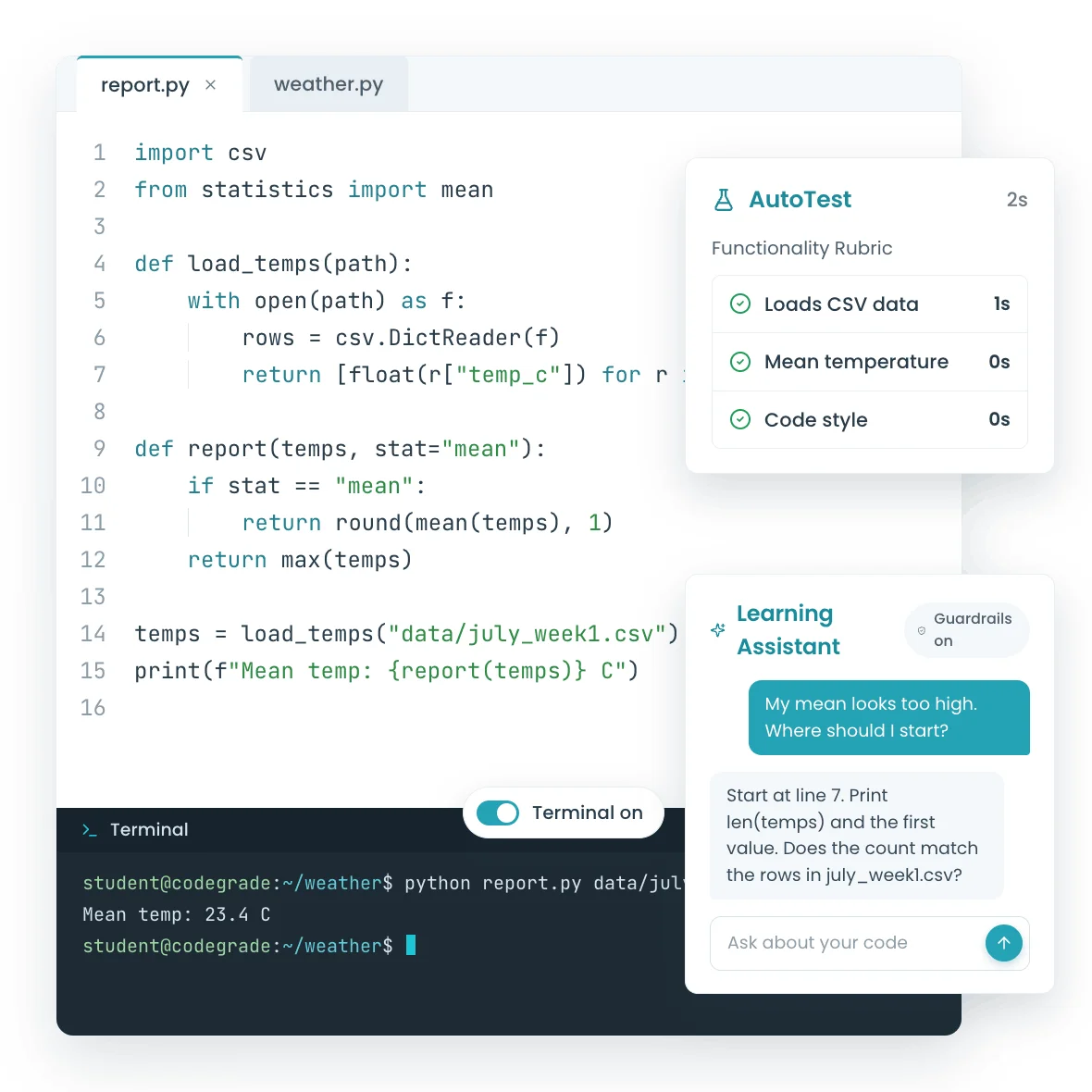
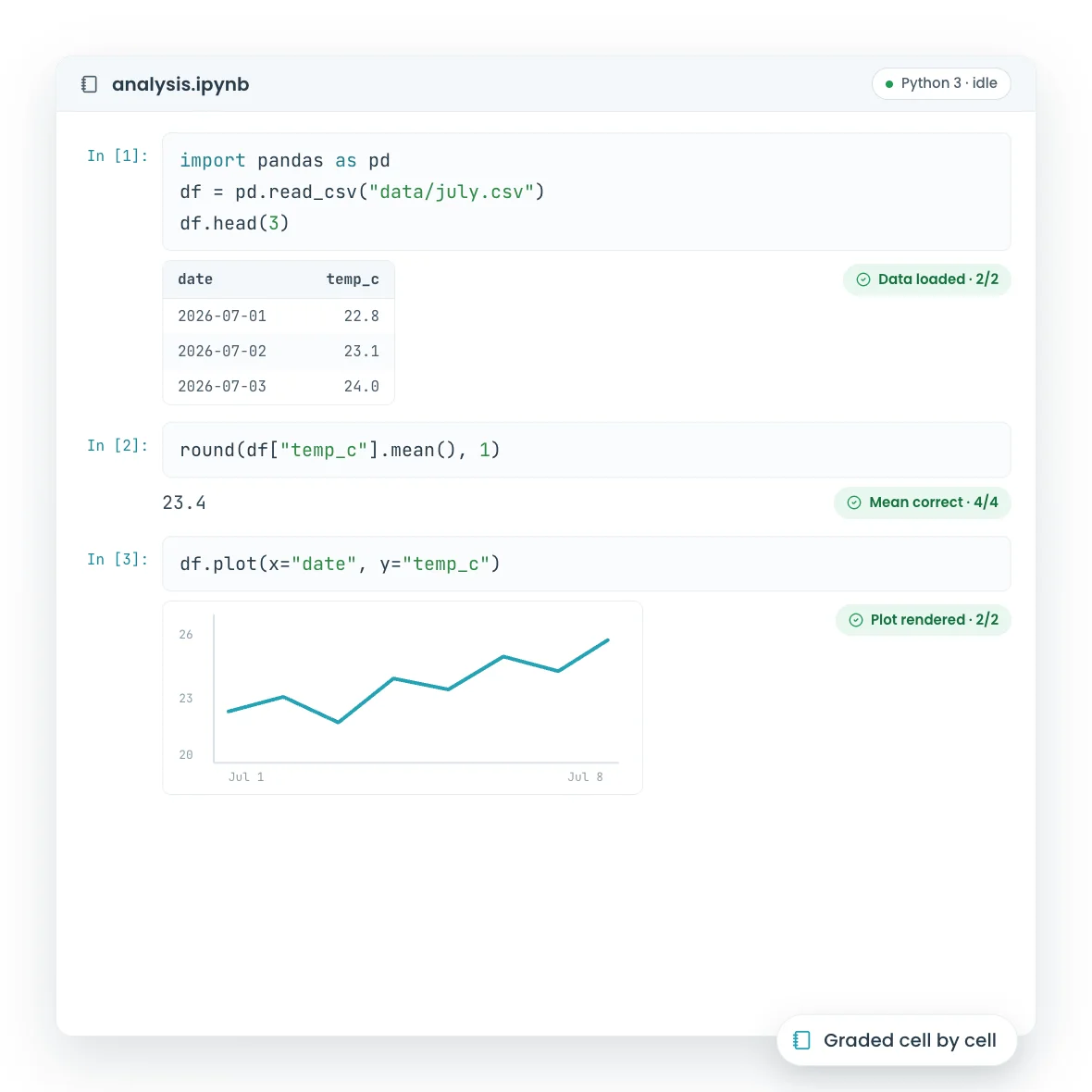
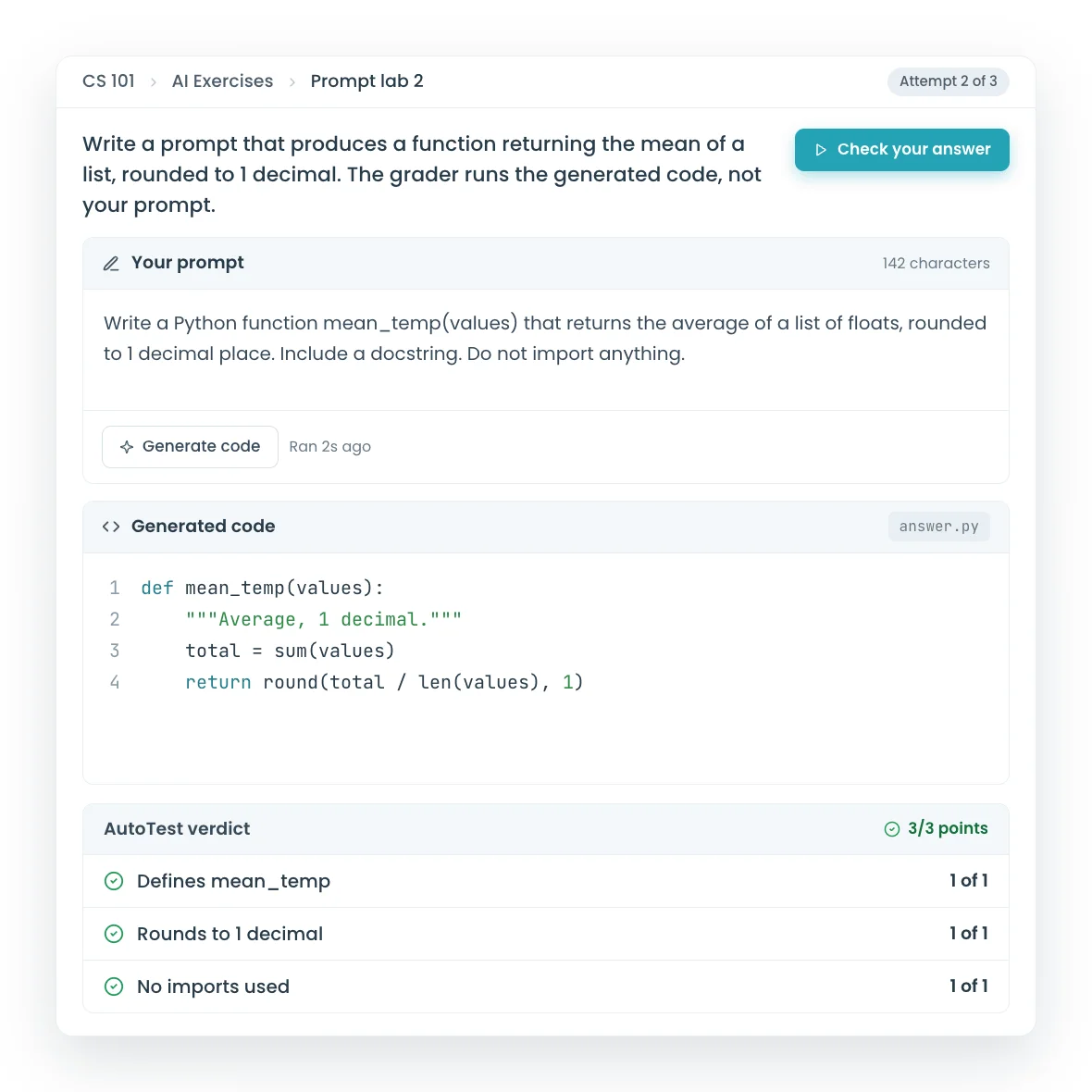
The autograder that saves you hours and gives students instant feedback.

Automatic grading, inline code feedback, AI assistance, and plagiarism detection. All inside Canvas, Blackboard, or Moodle.

hero-card-imagehero-card-image

Trusted by world-class organizations

The University of Edinburgh logo
University of Amsterdam logo
Erasmus University Rotterdam Logo
The University of Edinburgh logo
ILERNA Online logo
The University of Edinburgh logo
ILERNA Online logo
The University of Edinburgh logo
ILERNA Online logo
Vrije Universiteit Amsterdam logo
The University of Edinburgh logo
Code Editor

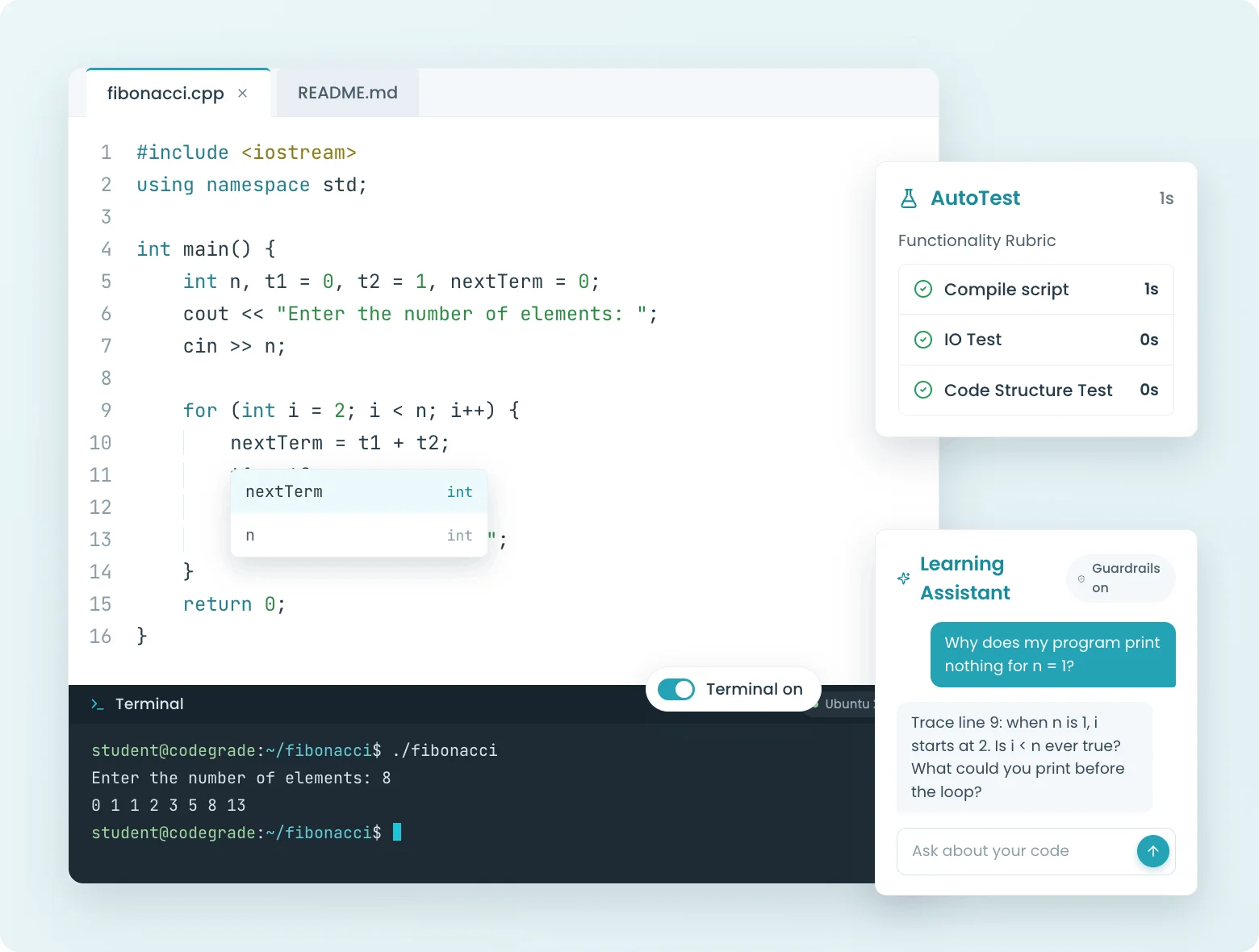
Students code in their browser and get feedback the moment they submit.

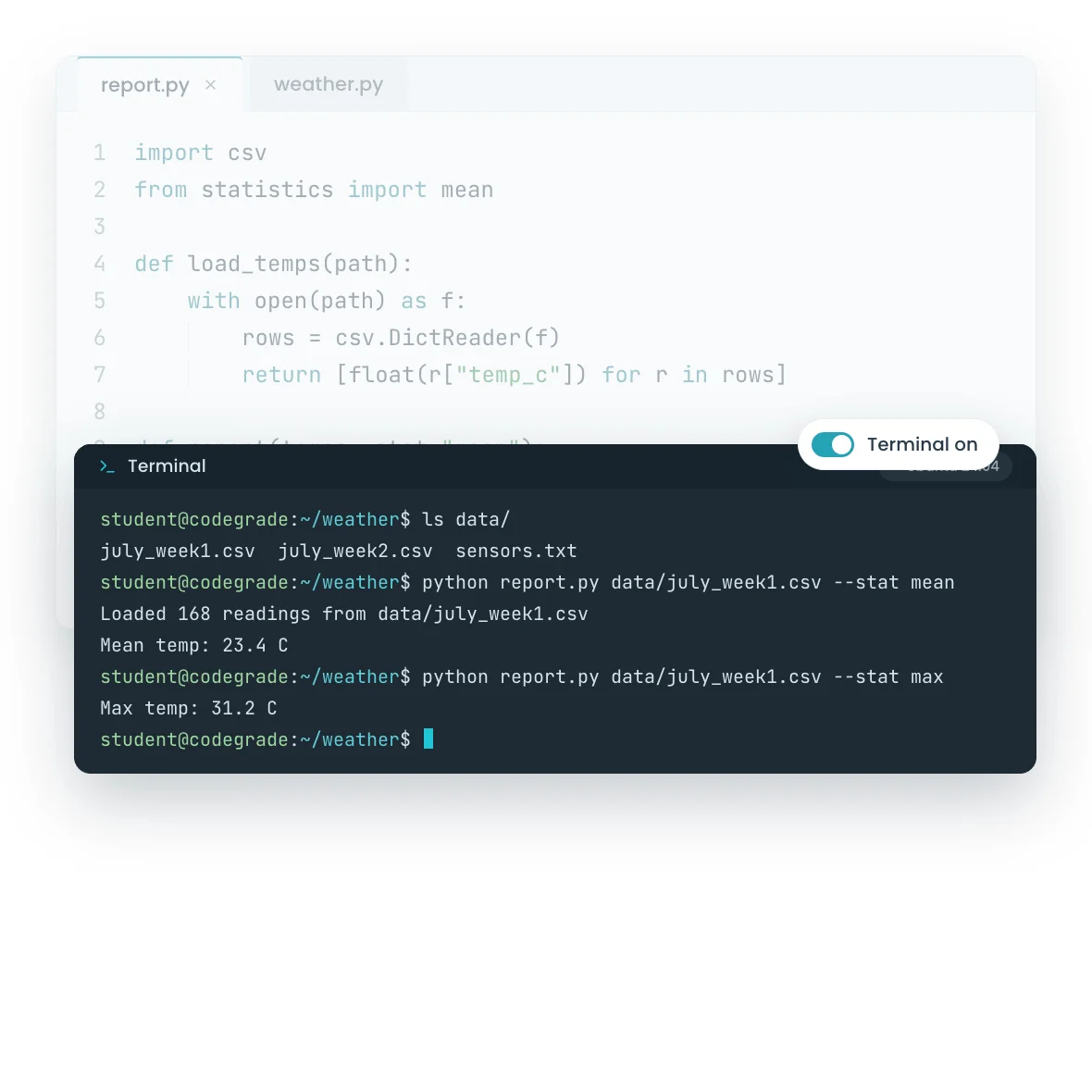
No installs, no environment headaches. Students open the assignment, write code in a browser-based editor, and get line-by-line feedback the second they hit submit. Add coding quizzes for low-stakes practice, or use Jupyter Notebooks for data science courses.

  • Browser-based code editor with zero setup for students
  • Coding quizzes with auto-grading for quick knowledge checks
  • Jupyter Notebook support for Python, data science, and ML courses
  • Feedback on every submission, not just a final grade
Learn more
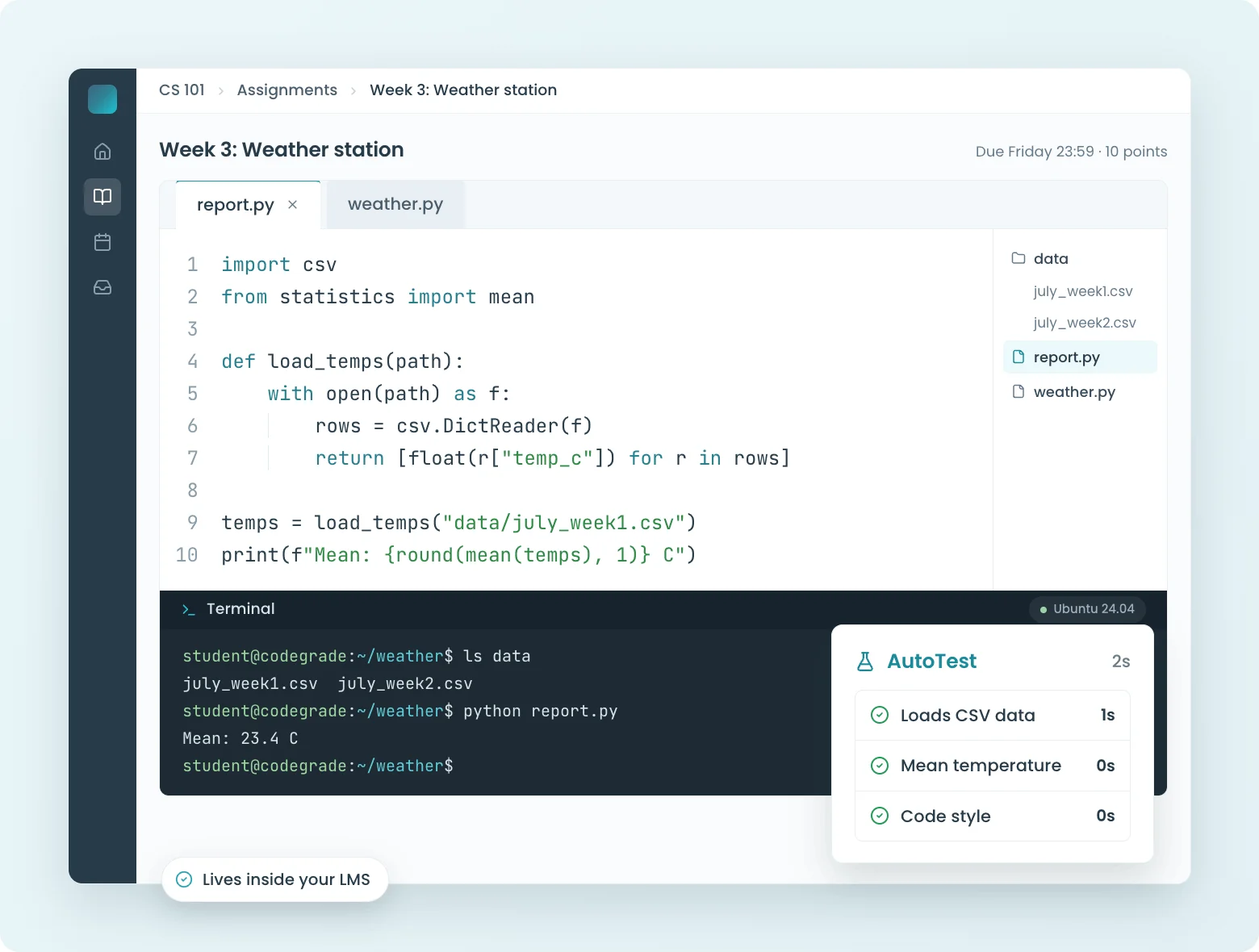
C++ code in CodeGrade's online IDE with AutoTest panel showing successful compile and run script checks.
Autograder

Build tests visually. Grade 200 submissions in seconds.

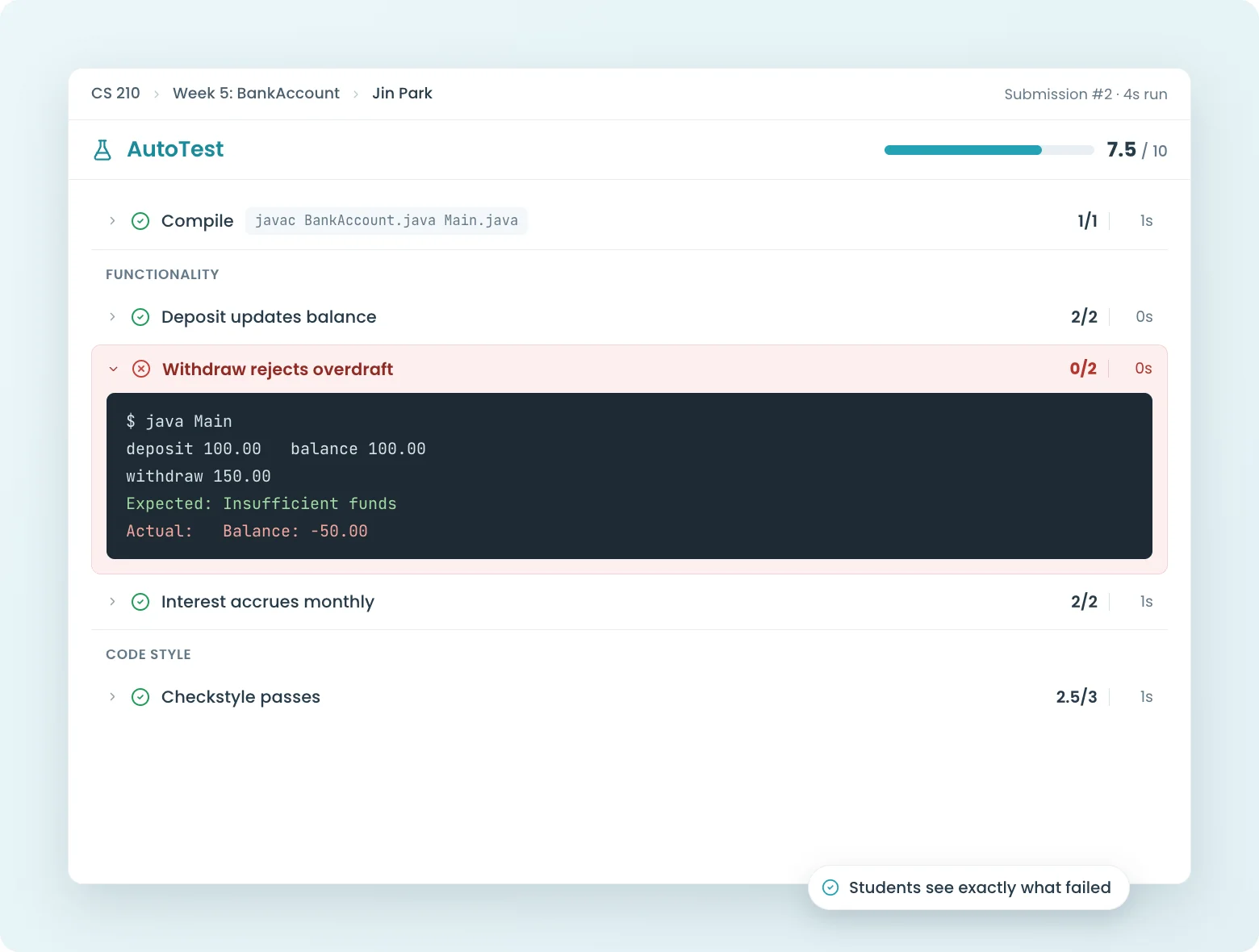
No config files. No scripting. Drag and drop test blocks to build your grading pipeline, then let CodeGrade run every submission through it automatically. Results land in your LMS gradebook before you finish your coffee.

  • Visual test editor: build grading configs by dragging blocks, not writing code
  • Catches copied code across every submission in your course
  • Anonymous grading mode: one toggle per assignment
  • Git integration for version-controlled student projects
Learn more
CodeGrade displaying AutoTest results for a data science assignment, with checks on data handling and structure.
AI Assistant

AI guidance, on your terms.

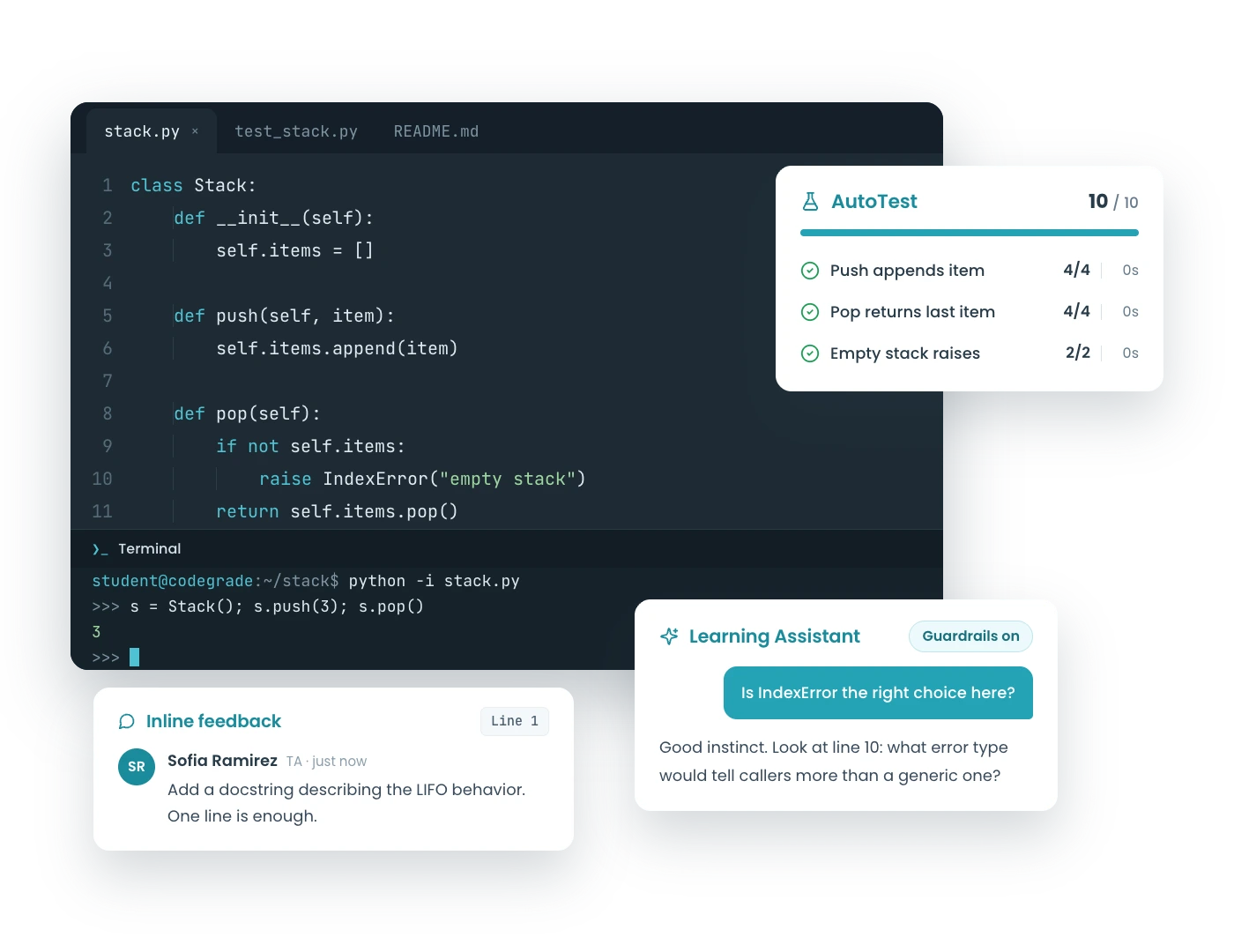
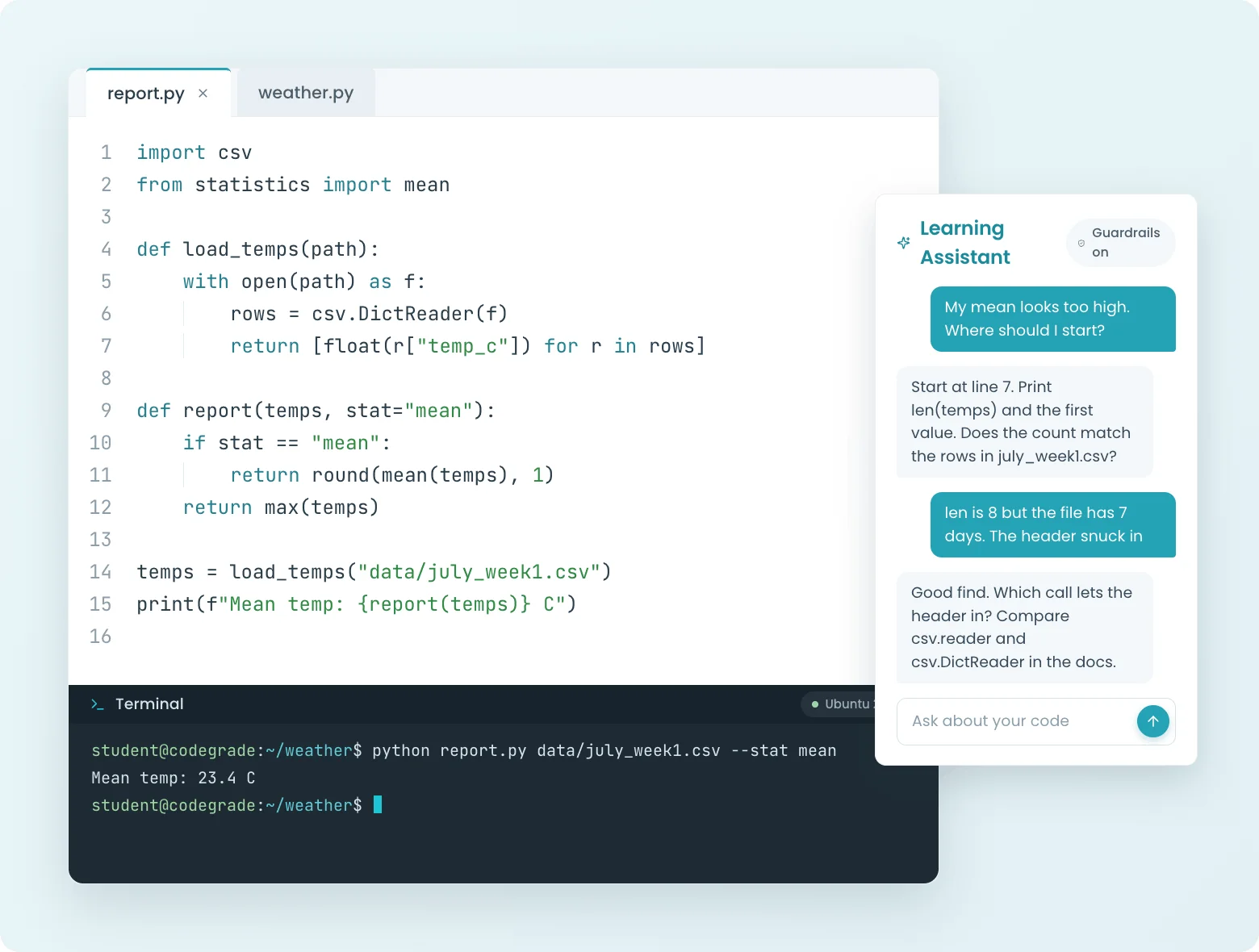
Most AI coding tools hand students the answer. CodeGrade's AI assistant explains the concept behind the error, nudges toward the fix, and never writes the solution. You control exactly what the AI can and can't say, and you see every conversation.

  • Customize AI behavior per assignment (hints only, conceptual only, full help)
  • Full conversation logs visible to instructors
  • Set it up as a virtual Teaching Assistant to give your students 24/7 help
Learn more
CodeGrade AI Assistant in the online editor, explaining programming concepts like recursion to a student.

Discover how institutions use CodeGrade to improve their coding courses

Author Image

Alex St. Aubin

Instructor Computer Science at the University of Nevada, Las Vegas

“CodeGrade has really made our lives easier. The lives of the TAs, the students, the teachers. It has really helped our Computer Science Department out a lot.”

Author Image

Leslie Hendrix

Clinical Professor in Management Science

"Coding is like learning a sport. You have to practice repeatedly to improve."

Author Image

Leslie Hendrix

Clinical Professor in Management Science

“I am prioritizing AI fluency in class so my students will have the proper framework to interact with the emerging AI tools that are currently reshaping modern industry workflows.”

Author Image

Angela Venable

Assistant Professor, Ivy Tech Community college

“I also find students get more engaged when they get quicker feedback.”

Author Image

Jamie Andrews

Director of Graduate Programs

I can see the student submissions and slowly watch their scores creep up, which is incredibly rewarding!

Inline Feedback

Leave feedback exactly where the bug is.

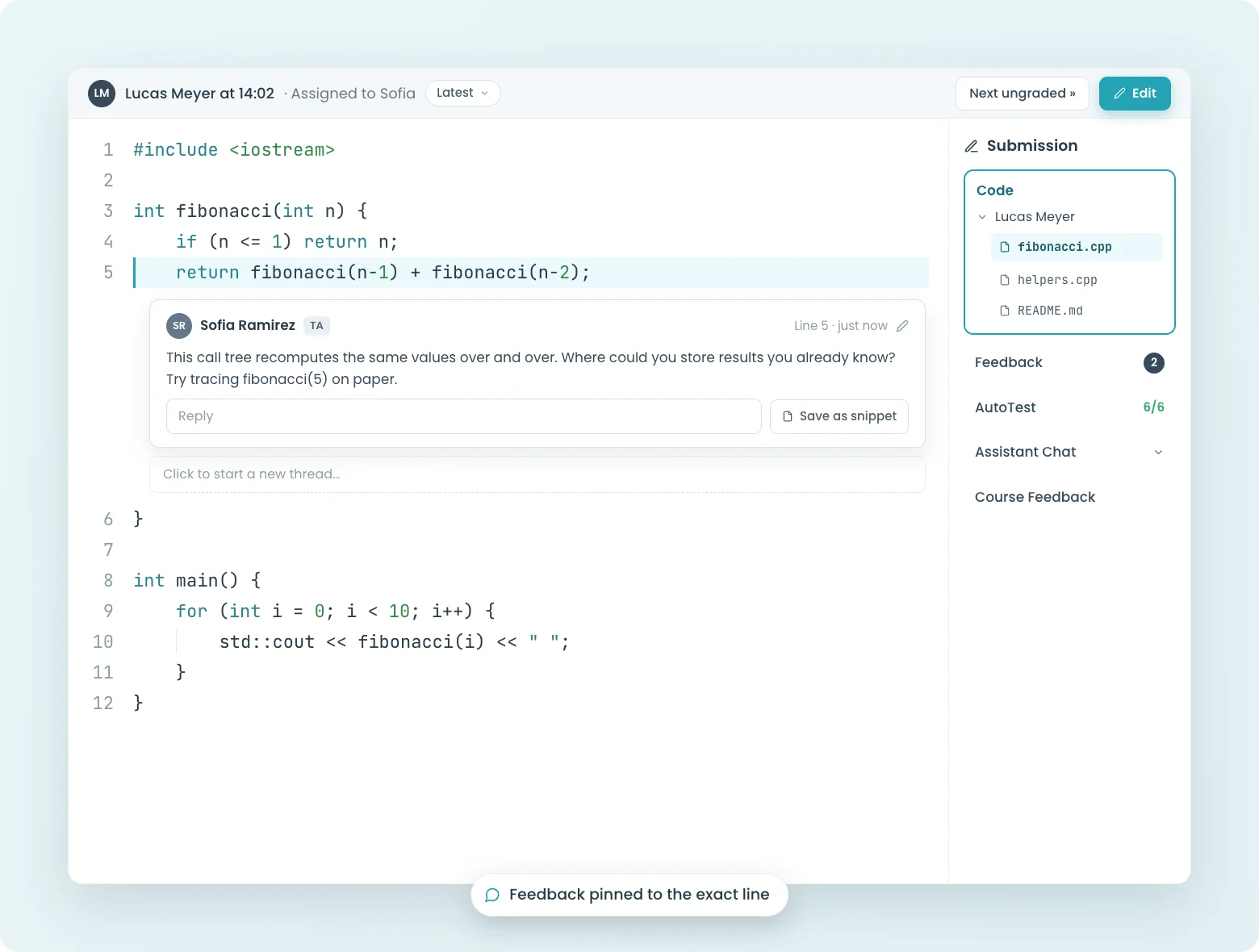
Click on a line of code, type your comment, done. Students see your feedback pinned to the exact line that needs fixing, not buried in a separate rubric or email. Save time with reusable snippets for comments you leave every semester.

  • Inline comments attached to specific lines of code
  • Reusable feedback snippets for repeated issues
  • Structured peer review workflows
  • Continuous feedback: students can resubmit and see updated comments
Learn more
Teacher offering inline coding feedback on a Python Fibonacci function in CodeGrade's online editor.
LMS Integration

Lives inside your LMS. Not next to it.

Students never leave Canvas, Blackboard, Moodle, or Brightspace. Assignments, submissions, grades, and feedback all live inside the LMS they already use. No separate logins, no switching tabs, no "where do I submit this?" emails.

  • Native LTI integration with Canvas, Blackboard, Moodle, and Brightspace
  • Single sign-on: students log in once through their LMS
  • Grades sync to your LMS gradebook the moment grading finishes
  • Full API for automating course setup and pulling analytics
Learn more
Student using CodeGrade's AI Assistant within the online Python editor for guidance on recursion versus loops.
Support & Resources

Support from CS graduates who understand your course.

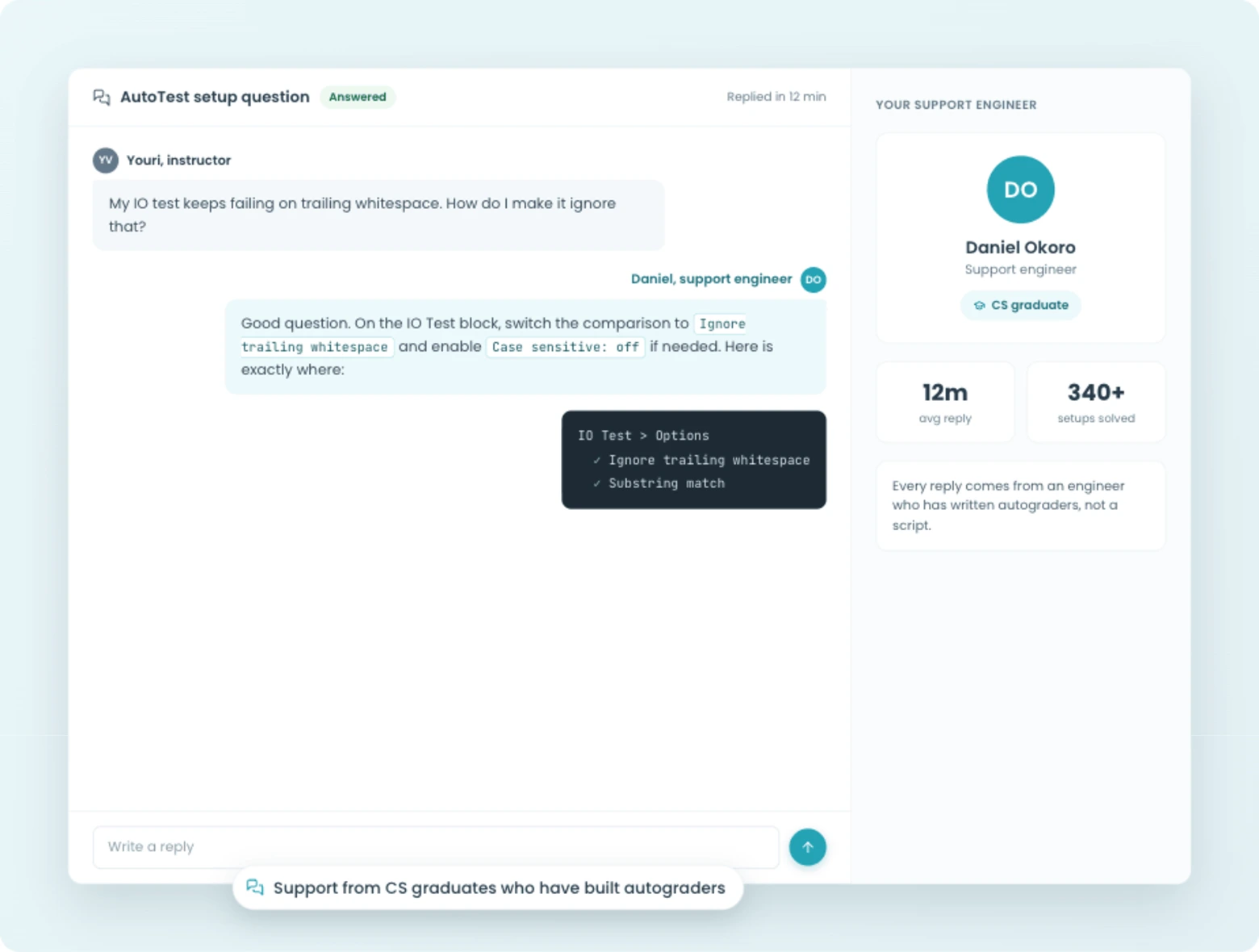
Stuck on a tricky test config? Our support team is made up of CS graduates who understand your course, not generic help desk agents reading from a script. They'll help you build test setups, troubleshoot edge cases, and get your course running.

  • Support from CS graduates who can help build your test configurations
  • Community Library with shared, peer-reviewed assignments
  • Pre-built Introduction to Python curriculum
  • Discord community where instructors share tips and best practices
Learn more
CodeGrade Python assignments seamlessly integrated and listed within a Canvas LMS modules page.

How we can help your department

Blog Thumbnail
Computer Science
Build foundational skills and support every CS student.
> Learn more
Blog Thumbnail
Data Science
Build real-world data skills and streamline feedback in one place.
> Learn more
Blog Thumbnail
Business Schools
Level the play field with simple coding education for every business student.
> Learn more
Blog Thumbnail
Artificial Intelligence
Empower students to harness AI while you maintain oversight.
> Learn more

Join 100+ institutions

World-class institutions all over the world partner with CodeGrade to bring their programming education to the next level.

Integration Icon
Integration Icon
Integration Icon
Integration Icon
Integration Icon
Integration Icon
Integration Icon
Integration Icon
Integration Icon
Integration Icon
Integration Icon
Integration Icon
Integration Icon
Integration Icon
Integration Icon
ShadowShadow

Most Popular Features

Students at desk, symbolizing coding practice and quizzes.
Coding quizzes and questions
Multiple choice and code writing questions, graded automatically the moment students submit.
> Learn more
Computer screen with code, symbolizing Integrated Development Environment for programming.
Code editor
Browser-based code editor with syntax highlighting, autocomplete, and built-in autograding.
> Learn more
Open notebook with 'NB' label, representing coding notebooks for programming.
Jupyter Notebooks Integration
Keep your notebook workflow. Add grading that actually works.
> Learn more
AI speech bubbles, representing Large Language Models in coding and programming.
AI assistant
Configurable AI chatbot in the editor with content guardrails and full instructor visibility.
> Learn more
Magnifying glass over a document, indicating inline code review in programming.
Inline code feedback
Line-by-line comments and reusable snippets for faster code review.
> Learn more
Puzzle pieces interlocking, indicating code integration in programming projects.
LMS integration
Native Canvas, Blackboard, Moodle, and Brightspace integration.
> Learn more
Symbol of balanced scales representing fair grading in coding and programming.
Code plagiarism checker
Detect code similarity within your class and across semesters.
> Learn more
Checklist with a hand writing, symbolizing manual input in programming tasks.
Manual grading
Assign graders, navigate submissions, and combine manual review with auto-grading.
> Learn more
Speech bubble with a gear, representing AI prompting in programming tasks.
AI exercises
Auto-graded prompt exercises for any CS course.
> Learn more
Two assignments, Two peoTwo assignments  indicating programming community interaction.
Assignment library
100+ pre-built assignments with autograding included.
> Learn more
Group of people in speech bubbles, indicating peer feedback in coding and programming.
Peer code feedback
Graded peer feedback on real code submissions.
> Learn more
Code exam checklist with checkmarks, symbolizing programming assessment.
Code exams
Secure, auto-graded coding exams with IP restrictions and session lockdown.
> Learn more

Get started today and unlock the power of CodeGrade.