Run secure coding exams that grade themselves
IP restrictions, access passwords, and session lockdown. Students write real code in the browser. Grades are ready the moment the exam ends.
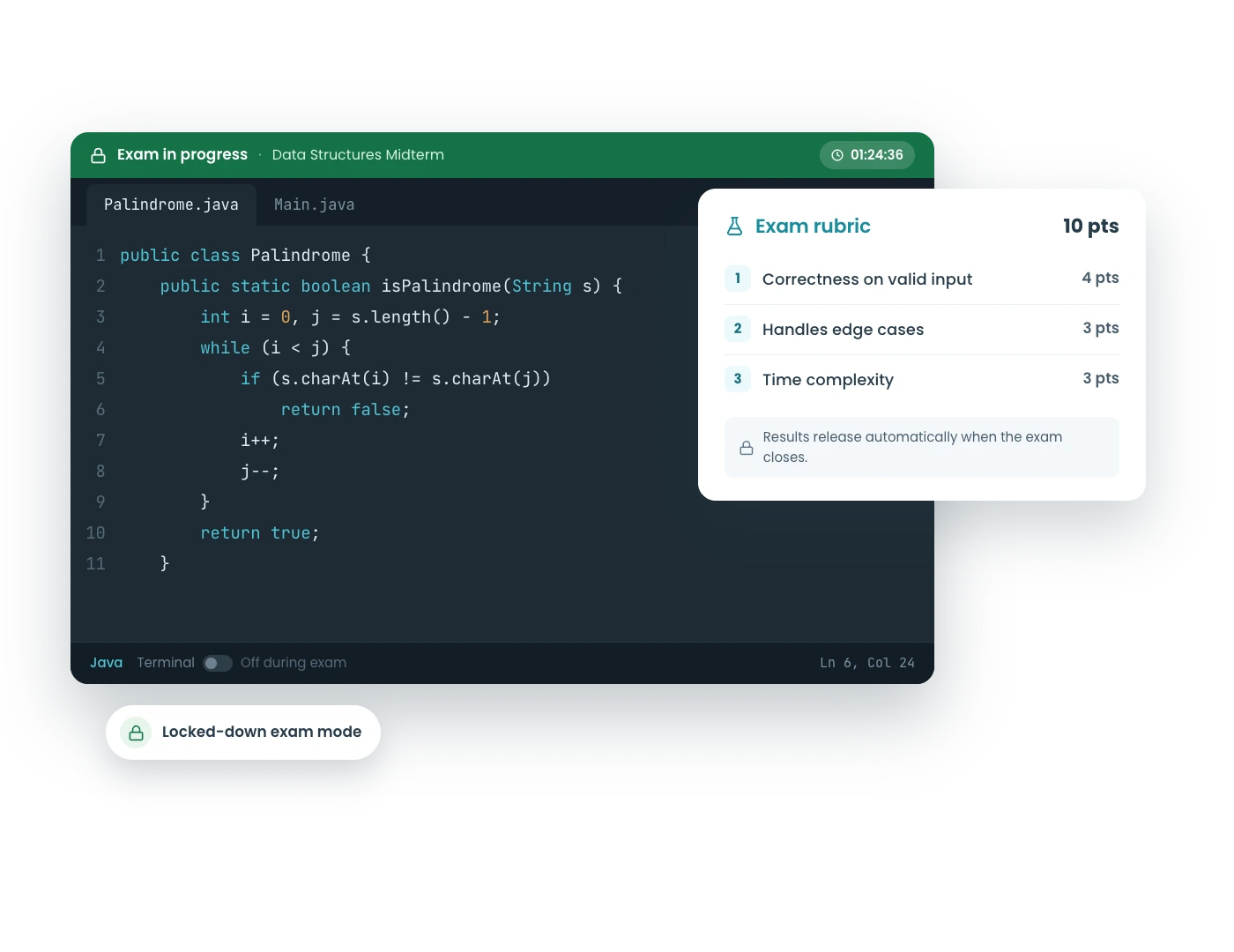
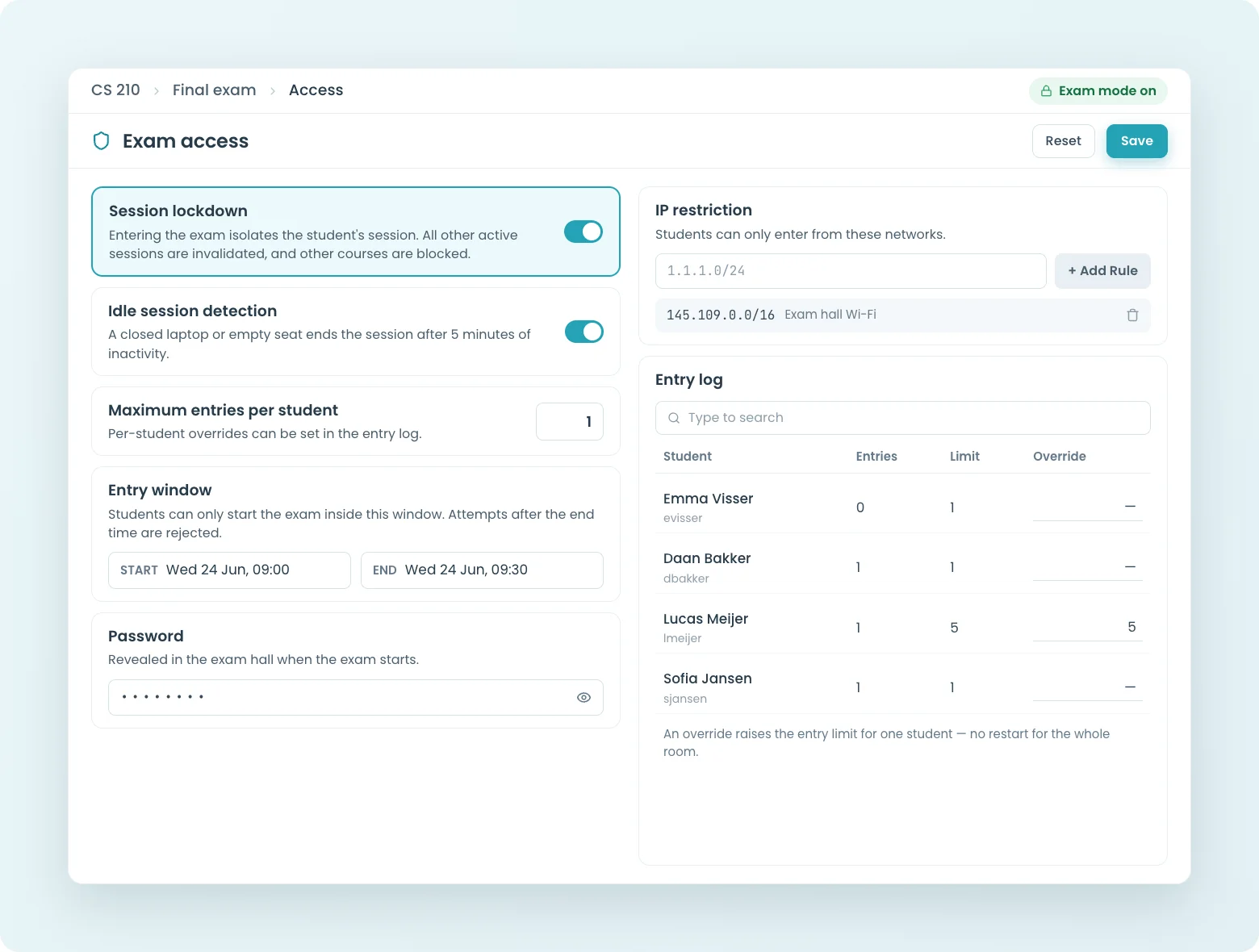

IP restrictions, access passwords, and session lockdown. Students write real code in the browser. Grades are ready the moment the exam ends.
CodeGrade's exam mode gives students the same environment they used all semester: same editor, same feedback, same screen. Security wraps around it: session lockdown, IP restrictions, access passwords, and proctoring integrations. The terminal switches off per assignment if you choose. Exams stop being a different, scarier world; they test skill in the environment students learned in, which is as close as assessment gets to fair.
When a student enters an exam course, all their other CodeGrade sessions are logged out. They see a green bar confirming they're in exam mode, and they can only access content within the exam course. No one can log in as them from another location to take the exam in their place.
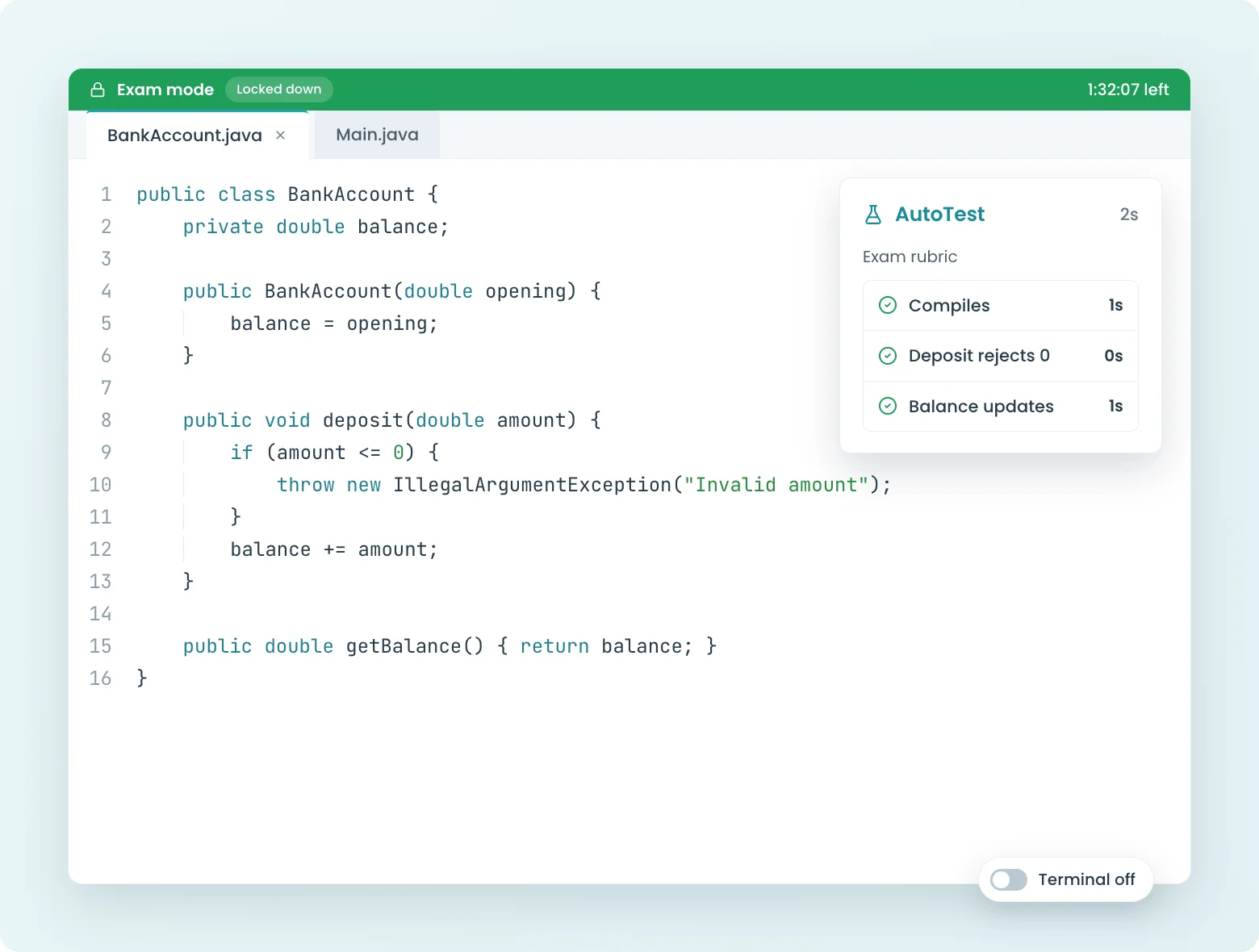
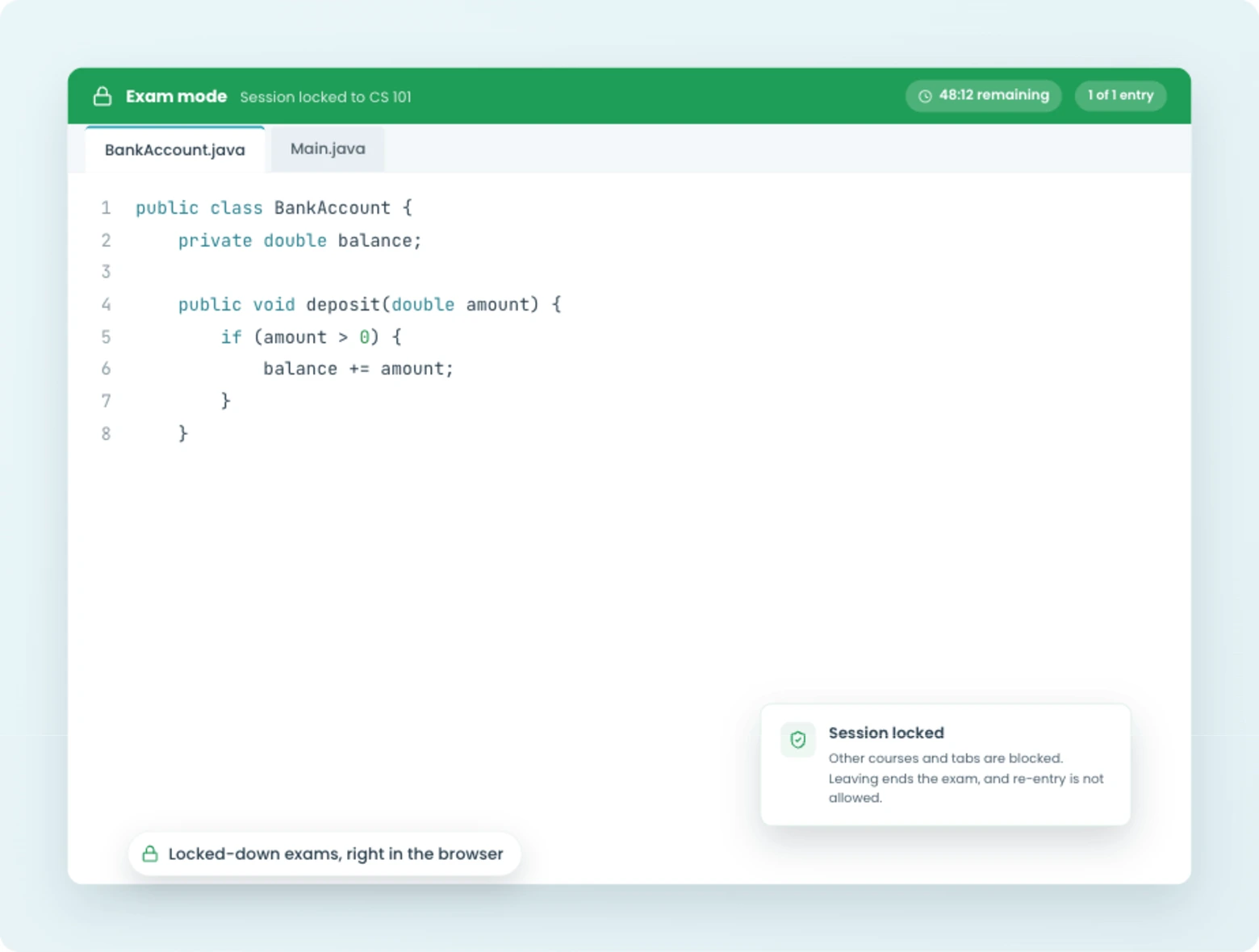
CodeGrade secures the exam environment from within. IP restrictions ensure students can only access the exam from campus or approved networks. Access passwords add a gate at the course or assignment level. Session lockdown prevents proxy test-taking.
Need full browser lockdown? CodeGrade integrates with proctoring tools like Lockdown Browser, so you can combine CodeGrade's exam security with browser-level restrictions. Use as many or as few layers as you need.
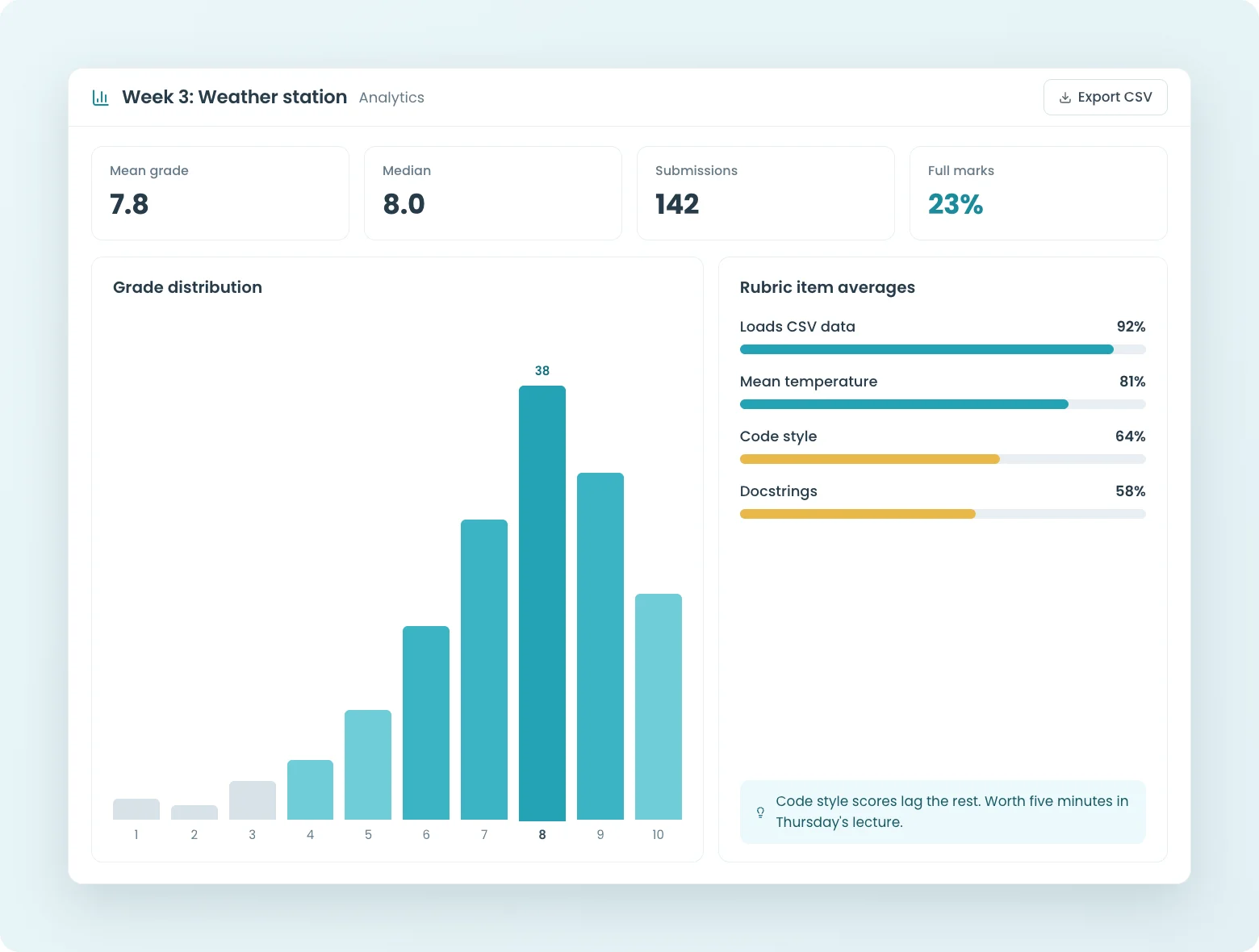
No more spending a weekend grading 200 exam submissions. CodeGrade's autograder evaluates every exam the moment students submit, using the same test setup you use for regular assignments. Grades are ready when the exam ends, not days later.
Combine auto-grading with manual rubric review for exams that need both. Run the autograder for the code, then review edge cases yourself.
Coding exams with session lockdown, plagiarism detection across semesters, and auto-graded AI exercises. Free for up to 50 students.




March 18, 2026
Run Secure Proctored Coding Exams%20(800%20x%20525%20px).png)
November 12, 2025
Watch Now! Design Secure Programming Exams with CodeGrade
February 13, 2025
How to set up a Data Structures course with Delaware State


