When code needs a human eye, grade it fast
Split submissions across your team, navigate through them efficiently, and combine manual review with auto-grading.
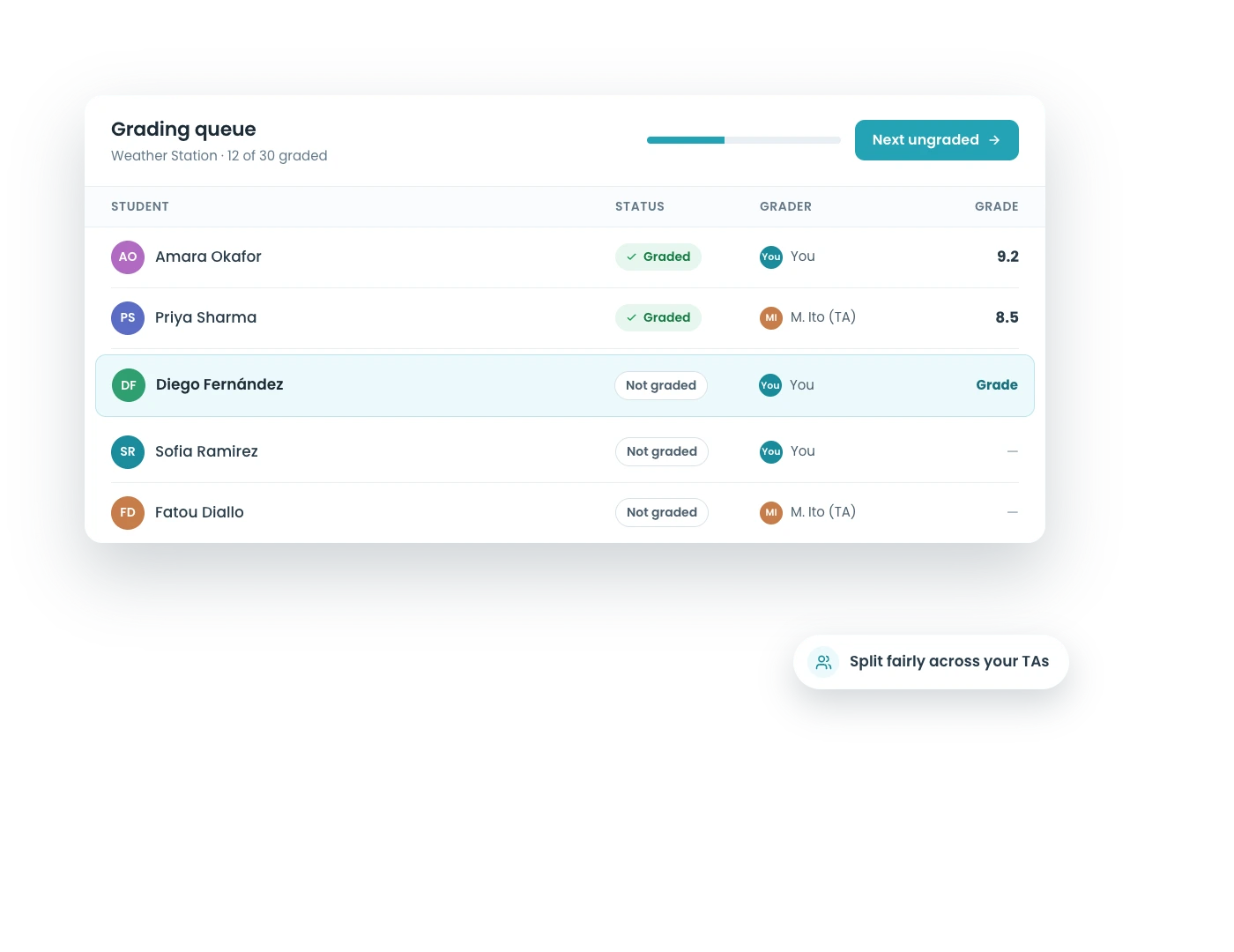
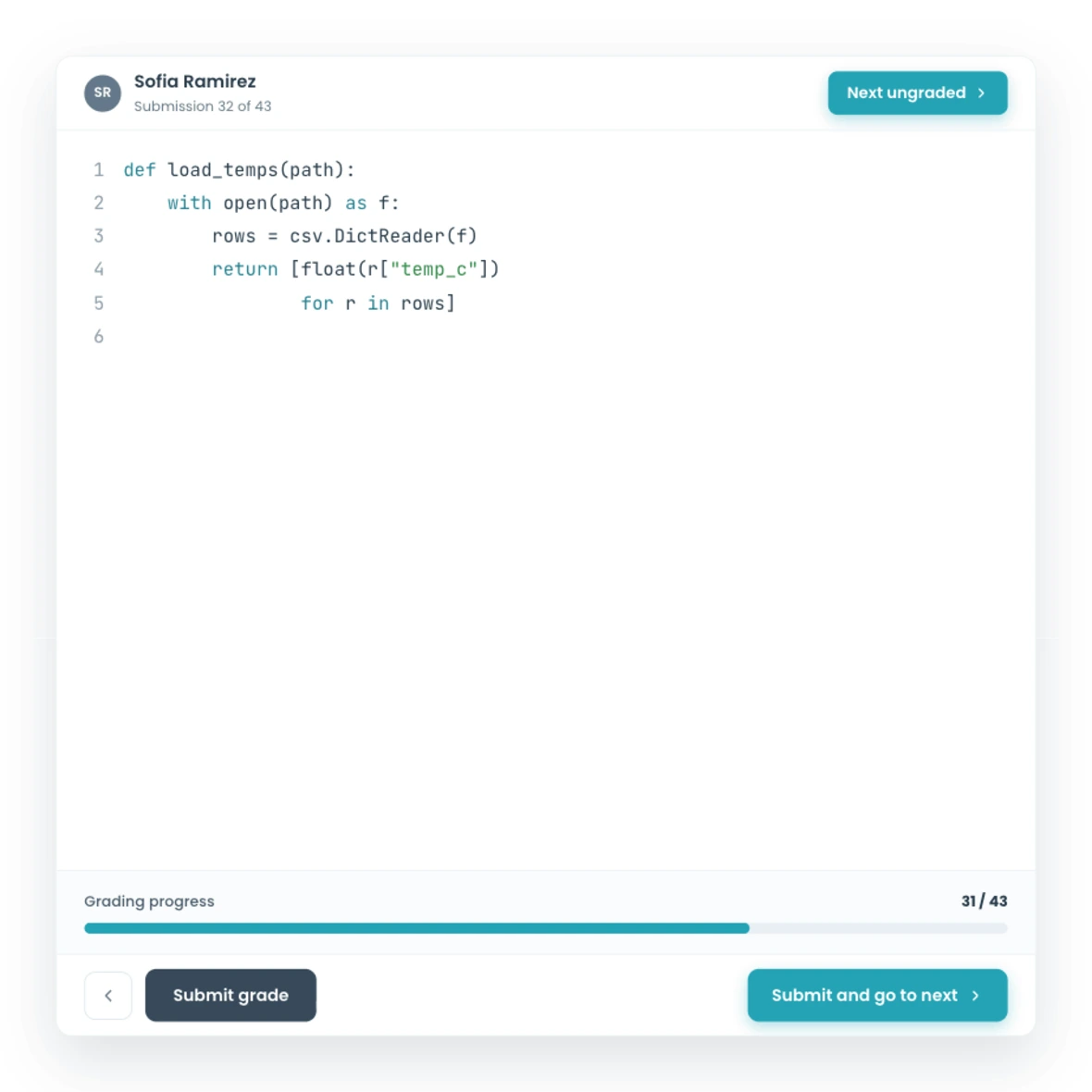

Split submissions across your team, navigate through them efficiently, and combine manual review with auto-grading.
You have 200 submissions and four TAs. Divide the work randomly or assign specific students to each grader. Each TA sees only their pile, so nobody wastes time on submissions that are already handled.
Want TAs to see each other's grading for calibration? Turn that on. Prefer blind grading where TAs work independently? Keep it off. You decide how the team works together.
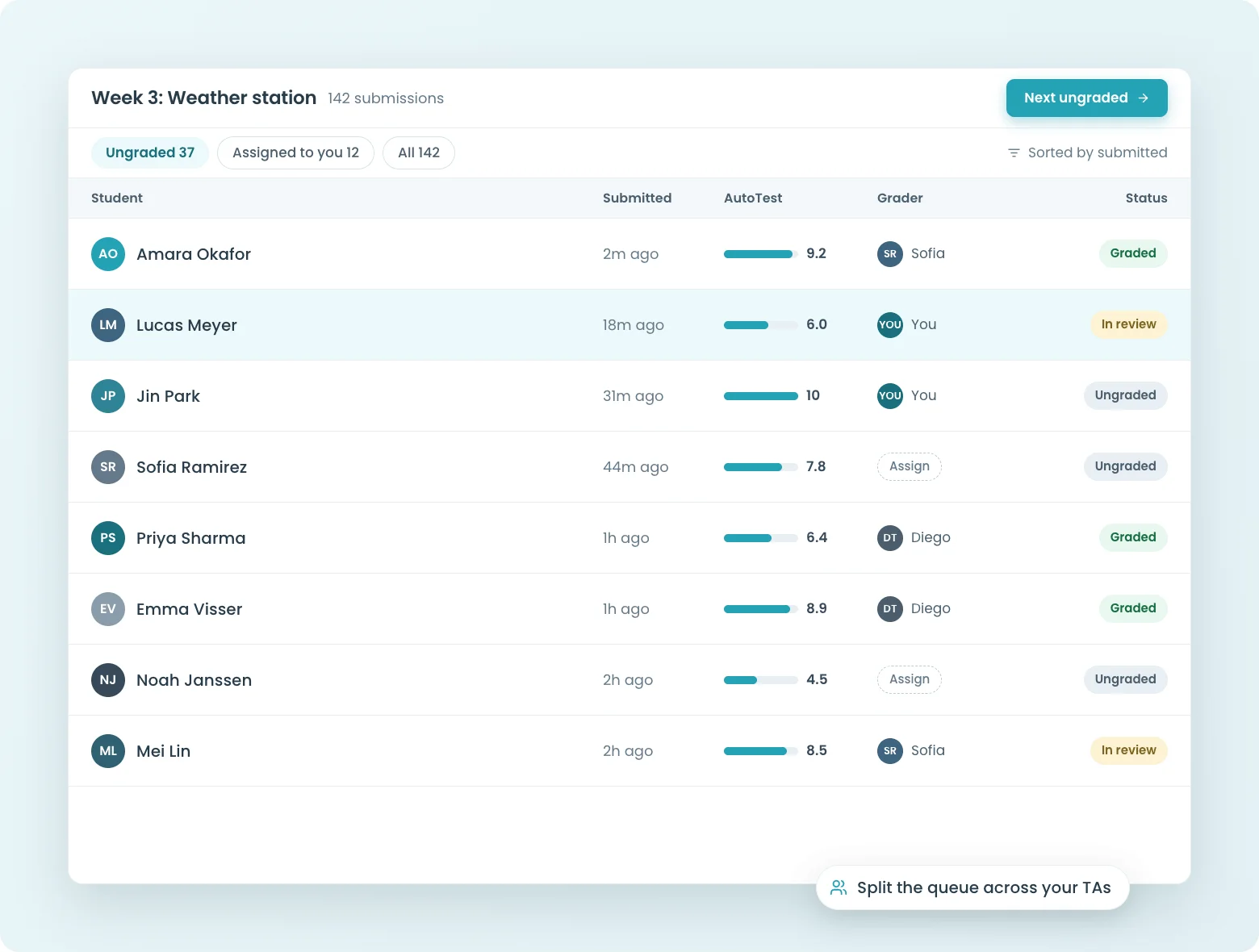
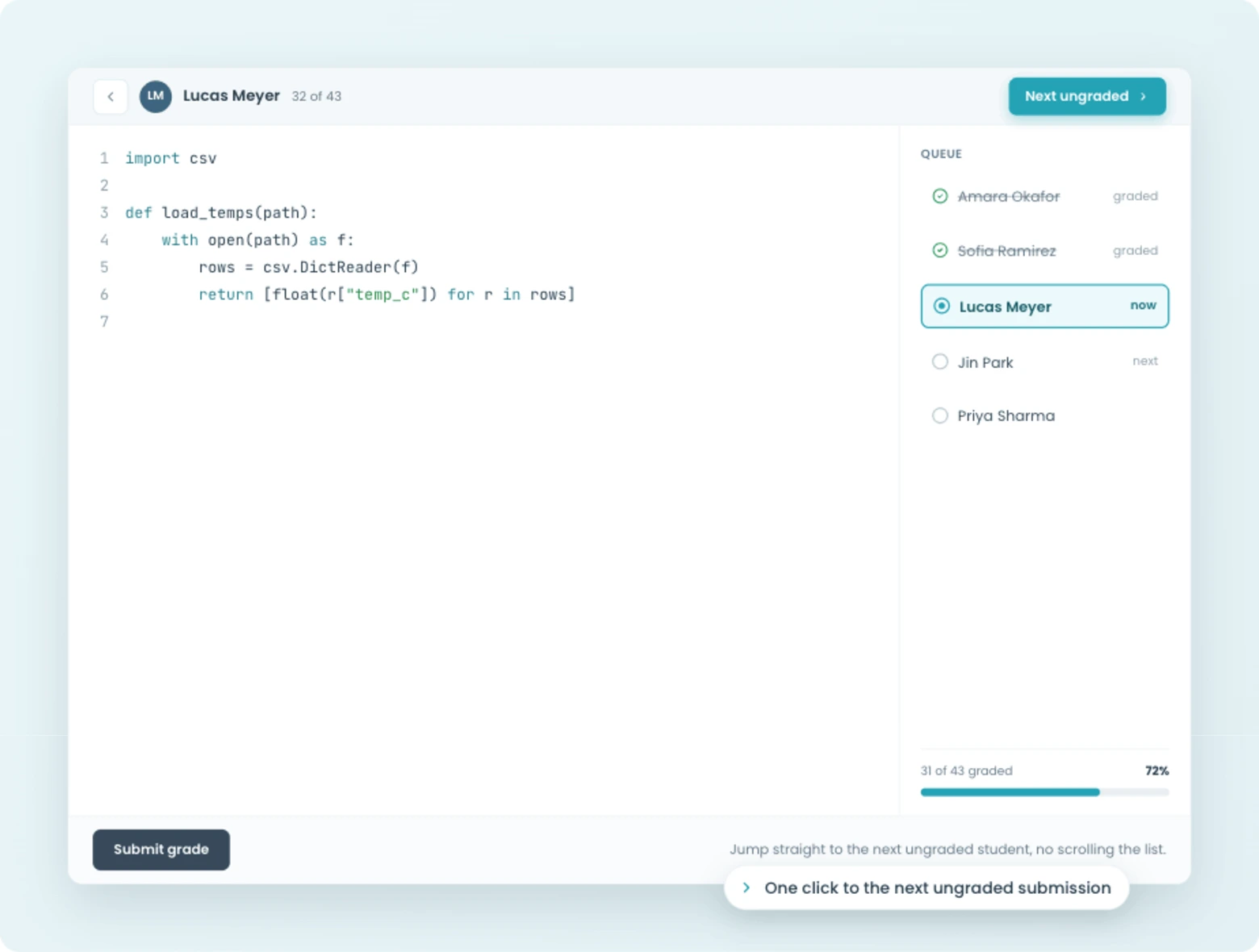
Click "next ungraded" and you're looking at the next submission that needs your attention. No scrolling through lists, no checking which ones are done. CodeGrade tracks what's been graded and what hasn't, so you always know where you stand.
When you're grading at scale, staying organized matters as much as giving good feedback. The review interface keeps you moving.
Not every assignment is fully automatable. Sometimes you need the autograder to check if the code compiles and passes tests, but you also want a human to review code quality, design decisions, or documentation.
CodeGrade lets you combine both. The autograder handles the automated checks, and you or your TAs review the parts that need a human eye. One assignment, one grade, both approaches.

Automatic grading, structured rubrics, and manual review tools that work together. Free for up to 50 students.



.png)
December 17, 2024
Best Practices for Rubric Design in Coding Assignments
January 16, 2025
Setting Up a C++ Course at Ivy Tech Community College
February 13, 2025
How to set up a Data Structures course with Delaware State


