The Integrated Learning Environment: the IDE built for learning
One place inside Canvas, Blackboard, Moodle, or Brightspace where students write and run real code, get instant feedback, and use AI on your terms. And where you see all of it.

One place inside Canvas, Blackboard, Moodle, or Brightspace where students write and run real code, get instant feedback, and use AI on your terms. And where you see all of it.
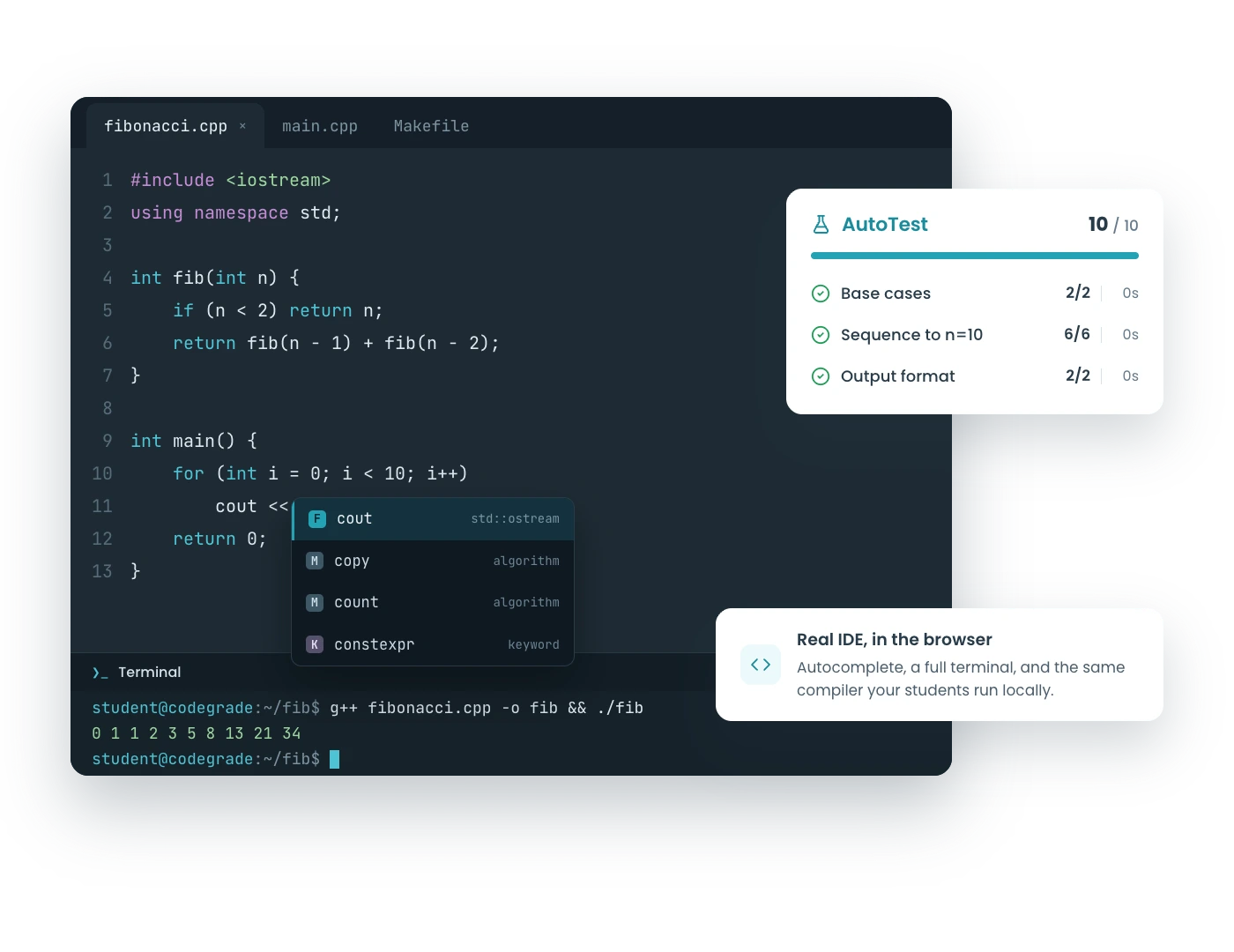
Students open the assignment and the environment is right there, ready to go: editor, files, autocomplete, and 175+ languages. Every student gets the same tools, the same versions, the same rules. Nobody's laptop decides what they learn, and week one is spent teaching instead of debugging fifty different setups.

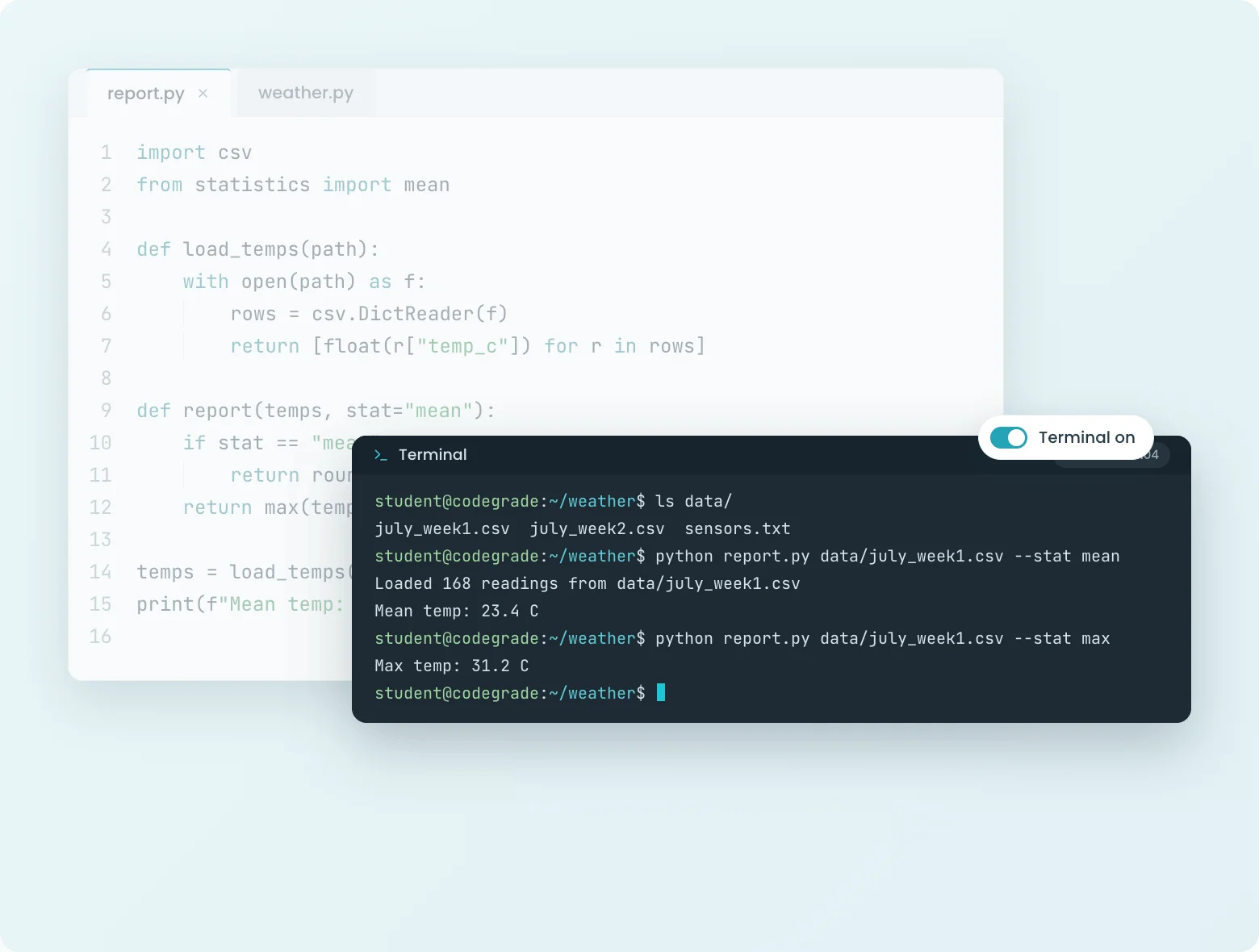
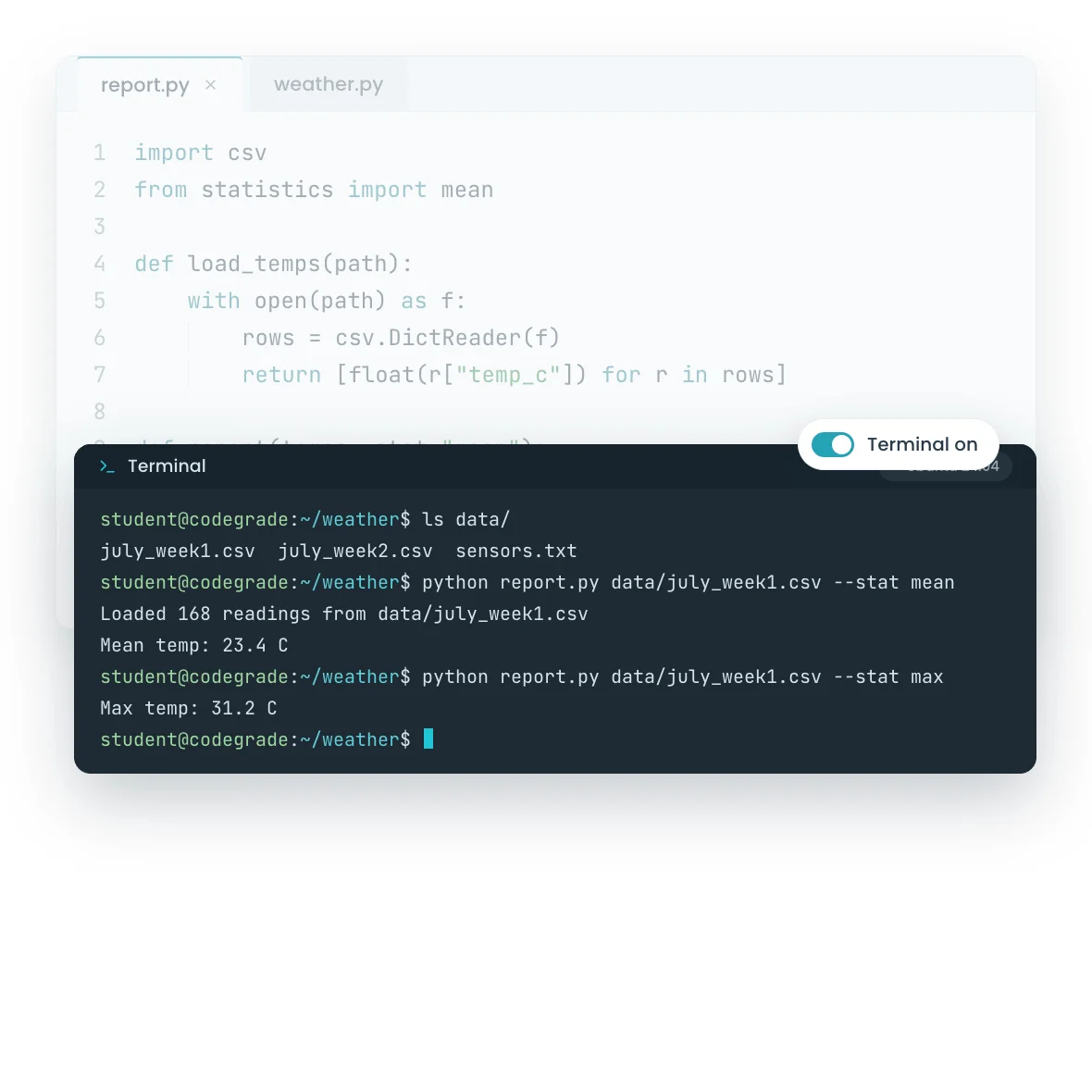
Every assignment can include an interactive terminal. Students compile, run, and explore in a real Ubuntu environment, like they would on a real machine, without owning one. And it is yours to give: the terminal switches on or off per assignment, configured right in your autograder setup, and it runs in the same environment your tests run in. What students explore in the terminal is exactly the state your autograder grades.
Files and editor in week one, terminal when the shell is the lesson, off for the exam if you choose. The environment is staged to your curriculum, not the other way around.
The autograder responds the moment students press the button, while the code is still in their head. The AI assistant helps when they are stuck, under rules you set and with every conversation visible to you. Your feedback lands on the lines that need judgment, and the grade lands in the gradebook by itself.
The same loop runs every stakes level: quick coding quizzes, weekly assignments, and secured exams. Practice, homework, and proof, all in one place with the same feedback.
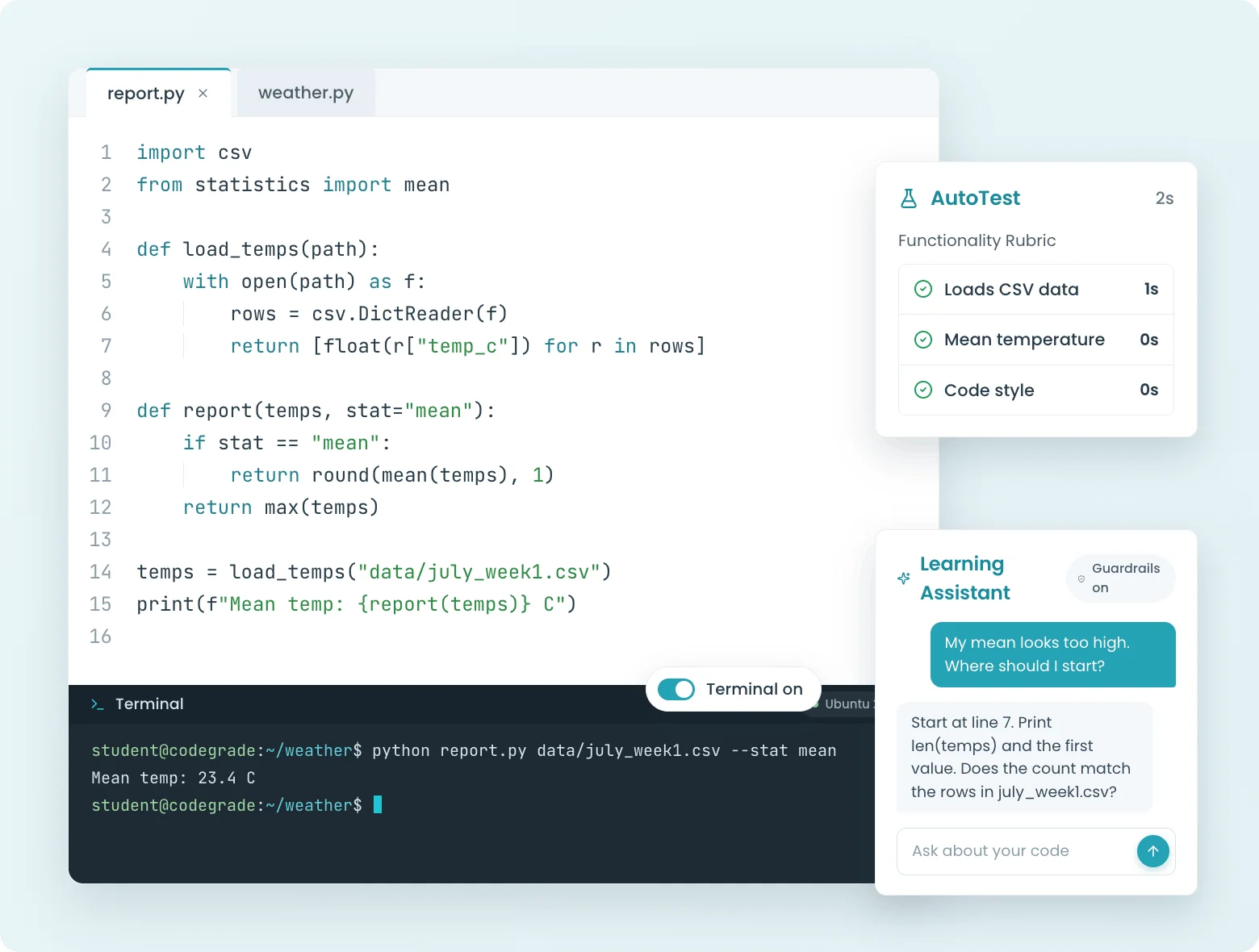
Browser-based editor, Jupyter Notebooks, and auto-graded quizzes. All inside your LMS, nothing to install.





%20(800%20x%20525%20px)%20(800%20x%20525%20px)%20(9).png)
%20(800%20x%20525%20px)%20(800%20x%20525%20px)%20(10).png)
.png)